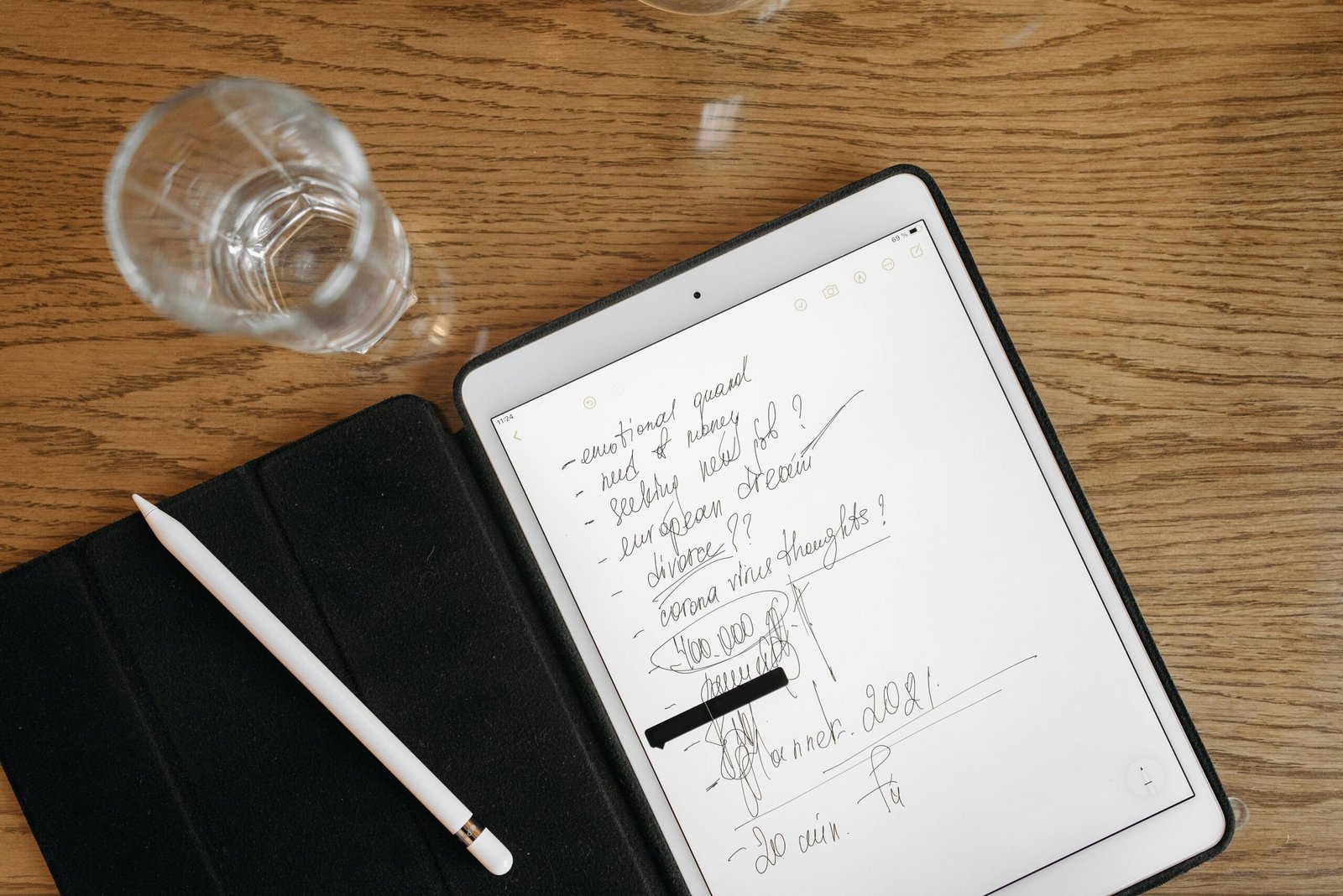
Finding the right note-taking app is usually a trade-off between power and speed. You want something that handles complex projects but doesn’t get in the way when you just need to write down a grocery list.
People often look for a “perfect” system that does everything. In reality, most people end up using a combination of tools. If you try to force one app to do everything, you might spend more time organizing the tool than actually doing your work. Here is an honest look at the main players and the specialized tools that are worth your time.
The Big Four: Notion, Evernote, OneNote, and Keep
These are the apps most people start with. They have the largest user bases and the most features, but they serve very different purposes.
Notion
Notion is best for people who want to build their own systems. It uses a block-based structure that lets you create databases, wikis, and project boards.
- For Students: It is excellent for organizing class notes and planning long-term assignments. The ability to link pages together makes it easy to see how different subjects overlap.
- For Professionals: It works well as a company wiki or a central hub for team documentation.
- The Downside: It has a some learning curve. Many users find themselves spending hours tweaking templates instead of actually being productive. It also requires a reliable internet connection to work well.
Microsoft OneNote
OneNote is designed like a physical notebook. You have sections and pages, and you can click anywhere on the screen to start typing.
- For Students: If you use a stylus, OneNote is likely your best option. Its infinite canvas is great for handwriting and drawing diagrams. It is also completely free with a Microsoft account.
- For Professionals: It integrates deeply with Outlook and the rest of the Office 365 suite. If your work revolves around Microsoft tools, this is the logical choice.
- The Downside: The search function can be slow, and the “infinite canvas” makes it difficult to export notes into standard formats like PDF.
Google Keep
Google Keep is the digital equivalent of a sticky note. It is fast and lives on your phone’s home screen.
- For Daily Life: This is where you put your grocery lists, quick reminders, and temporary thoughts. It is simple and works across every device instantly.
- The Downside: It lacks hierarchy. Once you have more than fifty notes, it becomes a mess. It is not meant for long-form writing or complex project management.
Evernote
Evernote was the original leader in this space. It specializes in “clipping” things from the web and storing documents.
- For Professionals: It has excellent OCR (Optical Character Recognition), meaning you can search for text inside your uploaded PDFs and photos.
- The Downside: Many users have left Evernote recently due to price increases and a slower interface. The free version is now very limited.
The Power User Alternatives: Obsidian and Joplin
If you are worried about privacy or you want your notes to last for decades without being tied to a subscription, look at these options.
Obsidian stores all your files locally on your computer as simple text files (Markdown). It uses “backlinks” to connect ideas, creating a web of knowledge. It is a favorite for developers and researchers because it is incredibly fast and works offline.
Joplin is the best open-source alternative to Evernote. It is free, encrypted, and gives you total control over where your data is stored. Unlike Evernote, it doesn’t try to lock you into a proprietary format; you can export your notes as PDFs or Markdown files whenever you want.
Choose the Right Tool
When you are choosing an app, be honest about what you actually need. Don’t pick an app because it looks impressive or has the most “emotional triggers” in its advertising.
- If you need to capture tasks inline: Look at Amplenote. It allows you to turn a line of text into a task that shows up on a calendar immediately.
- If you want AI organization: Tools like Mem.ai or NotebookLM attempt to organize your notes for you using machine learning.
- If you are a student doing heavy research: Zotero combined with Obsidian is a powerful way to manage citations and literature notes.
Summary
To make a decision, identify which philosophy fits your brain:
- The Notebook Model (OneNote, Evernote): Good for people who like folders and sections.
- The Document Model (Notion, Craft): Good for people who want to create beautiful, structured pages.
- The Graph Model (Obsidian, Roam): Good for people who want to see how ideas connect.
- The Minimalist Model (Google Keep, Apple Notes): Good for people who just want to write and leave.
The most important thing is to pick a tool and stick with it. Productivity comes from the work you do, not the app you use to describe it. If you find yourself spending more time watching “how-to” videos for your note app than actually taking notes, it might be time to switch to something simpler.